Magwell install walkthrough

Insert the grip plug.
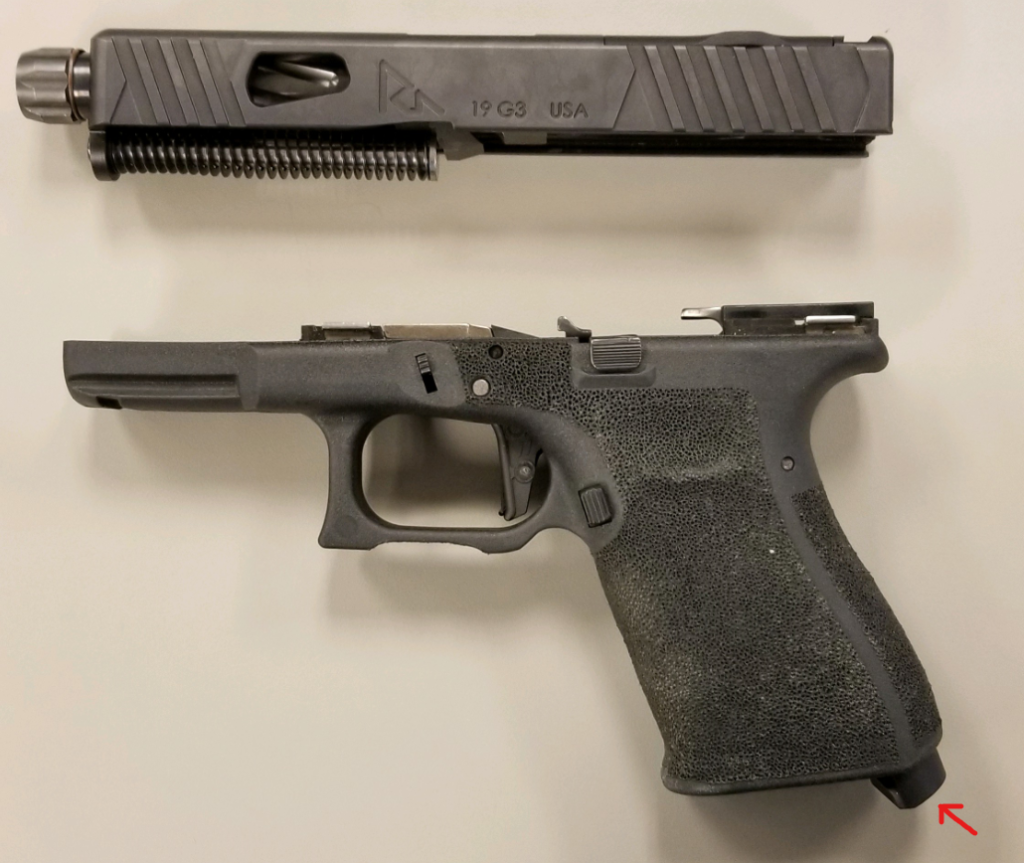
Once fully inserted into the frame, install the grip plug screw. This will be the larger of the 2 screws included in the packaging.

Once the grip plug is installed, install the magwell buy hooking the front edge of the magwell to the horn of the Gen 3 frame as shown below.
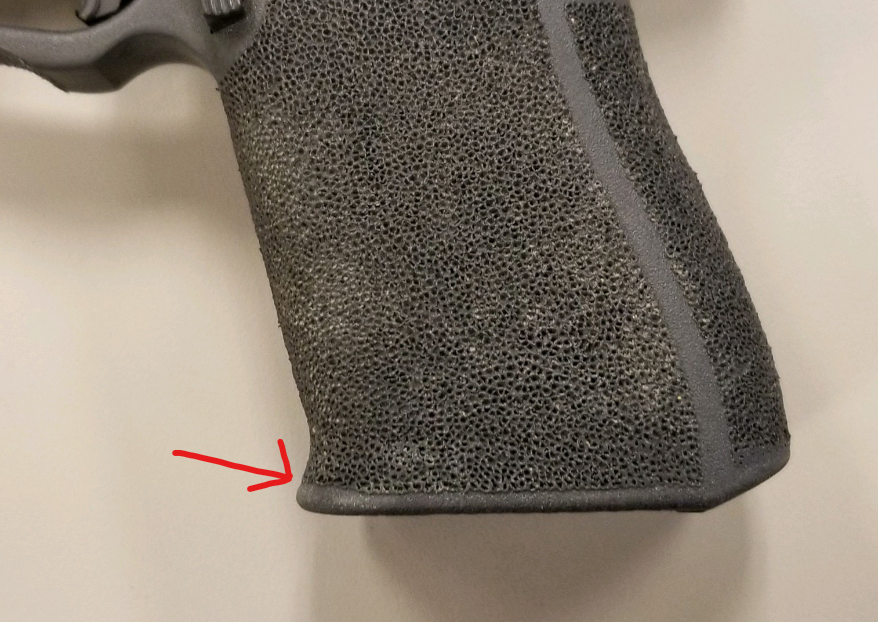
Next, simply press the back/rear part of the magwell onto the frame until it fits flush with the frame (all while keep the front part of the magwell hooked onto the horn of the frame shown in a previous step.


Once this step is complete, re-assemble your pistol.

If you have any additional questions please feel free to reach out to our customer service team at 972.993.7165 (Toll Free: 1.888.811.9277)

Do any of the slide completion parts need to be fitted?

RIVAL ARMS™ slide completion parts are designed to fit directly into RIVAL ARMS™ slides and original GLOCK® OEM factory slides, within their corresponding generation of manufacture (Gen3, or Gen4). RIVAL ARMS™ has not confirmed fitment of these parts in slides not manufactured by RIVAL ARMS™ or GLOCK®, Inc.

Which sights will fit my RIVAL ARMS™ slide?

Any sights specifically designed for GLOCK 9mm model handguns are appropiate for use on Rival Arms slides. This includes our standard height, MOS height, and 43/43X/48 configurations. 

My slide has an optics plate, which sight do I need?

Any sights specifically designed for GLOCK® 9mm pistols (models 43/43X/48 excluded), are appropriate for use on RIVAL ARMS™ slides.

NOTE: certain styles of sights may extend over the optics cover plate. This style of sights may still be installed and used, however this style of sight will preclude the use of a red-dot optic. Be sure to know if you intend to use an optical sight, you will need to install MOS sights that do not extend over your optics plate.